Talent Systems AI - Employer Help Center
Your complete guide to running scientifically defensible AI-powered interviews and assessments.
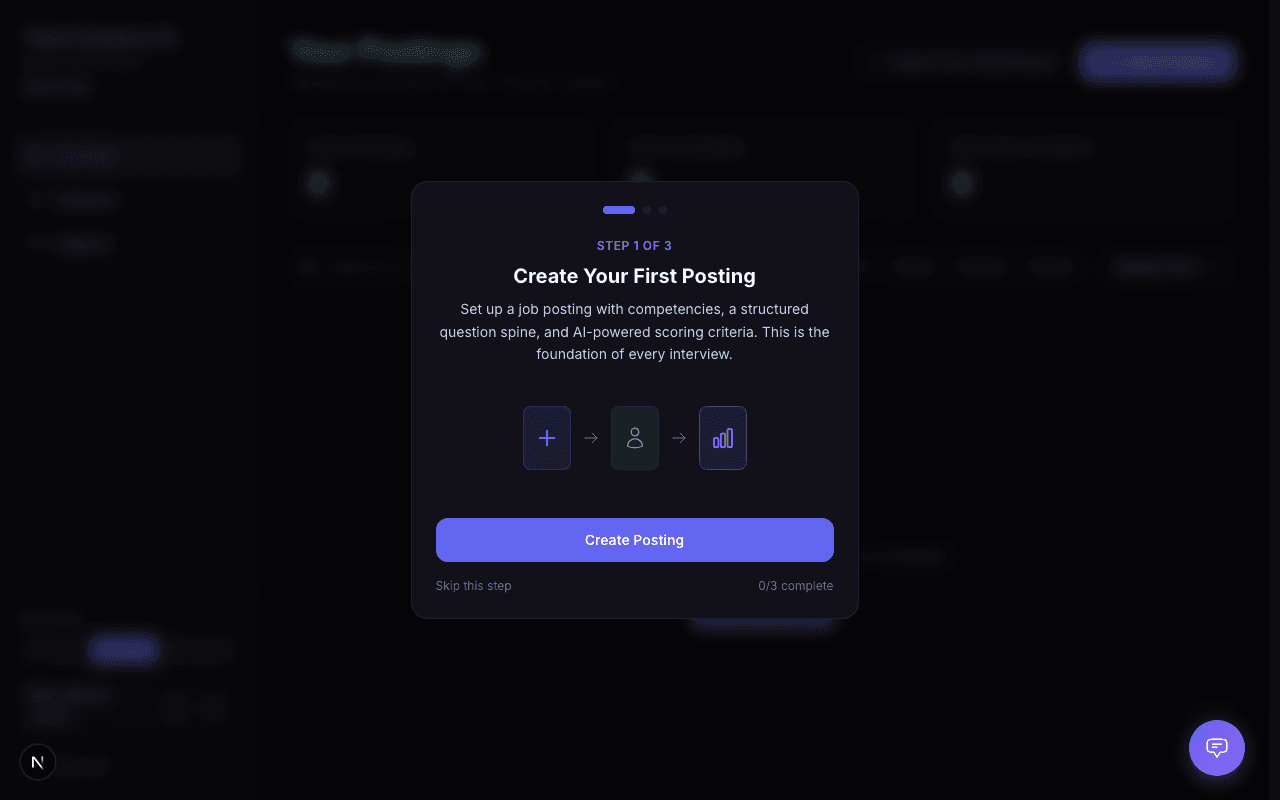
Welcome to the Talent Systems AI help center. Whether you're setting up your first posting or scaling your hiring with advanced analytics, you'll find everything you need here.
How It Works
Create a job posting with your competencies, interview questions, and scoring criteria
Invite candidates — they receive a secure, single-use interview link via email
AI conducts the interview — voice or text, scored against your competency framework
Review results — detailed scorecards with evidence quotes and recommendations
Compare and decide — side-by-side comparison, competency heatmaps, and data exports
Quick Links
Accept Your Invitation
Set up your account after receiving an invite
Dashboard Overview
Navigate the platform and find what you need
Create a Posting
Set up a job with competencies and interview config
Invite Candidates
Send interview links and track candidate status
Read Scorecards
Interpret AI-generated scores and evidence
Compare Candidates
Side-by-side comparison across competencies
Manage Your Team
Roles, permissions, and member management
Billing & Plans
Usage, add-ons, and subscription management
Key Concepts
Competency Framework
Every interview is scored against a competency framework — a set of measurable skills with defined behavioral anchors at each level. This ensures every candidate is evaluated consistently, regardless of who conducts the interview or which questions are asked.
Interview Styles
| Style | How It Works | Best For |
|---|---|---|
| Structured | Delivers your exact questions with no AI variation | High-volume roles, legal defensibility |
| Semi-Structured | Fixed lead questions with AI-generated follow-up probes | Most roles — balances consistency with depth |
| Adaptive | AI generates all questions in real-time from your competency anchors | Senior roles, test security |
Bias Prevention by Design
The AI scorer never sees candidate names, demographic information, or any identifying details. Scoring is based purely on transcript content matched against competency anchors. This is architectural — it is not a setting you configure.
Recent Updates
May 2026 — GDPR and SOC 2 compliance hardening. Candidates can now request deletion of their data directly from their account; a 30-day grace period applies before permanent removal. See Security for details on consent handling and audit logging.
May 2026 — Permission enforcement is now consistent across every page. Users without access to a section see a clear "Access Restricted" screen instead of a blank page. ATS integration features are gated to plans that include them. See Roles and Permissions.
May 2026 — Posting and candidate lists now update in real time. Two team members viewing the same posting in different tabs see each other's pipeline-stage changes within about a second, with no refresh needed.
May 2026 — Public application pages are now available. Attach a form to any posting and candidates can apply at /apply/[posting-id] without an invitation. See Creating a Posting for setup details.
May 2026 — Pipeline stages are now customizable per organization. Go to Settings > Pipeline to rename stages, add new ones, choose colors, and reorder them. See Pipeline Stages.
May 2026 — All search and filter controls now save their state in the URL. Bookmark a filtered view, share a link with a colleague, or use the browser back button to return to a previous filter state. A Reset button appears automatically when any filter is active.
Need Help?
Use the chat widget in the bottom-right corner to ask questions. The AI assistant can answer most questions instantly using this documentation. If you need human support, it can create a ticket for you — response times depend on your plan.