Accepting Your Invitation
How to set up your Talent Systems account after receiving an invitation.
Talent Systems uses invitation-based accounts — there is no self-signup. An account owner or administrator will invite you via email.
Setting Up Your Account
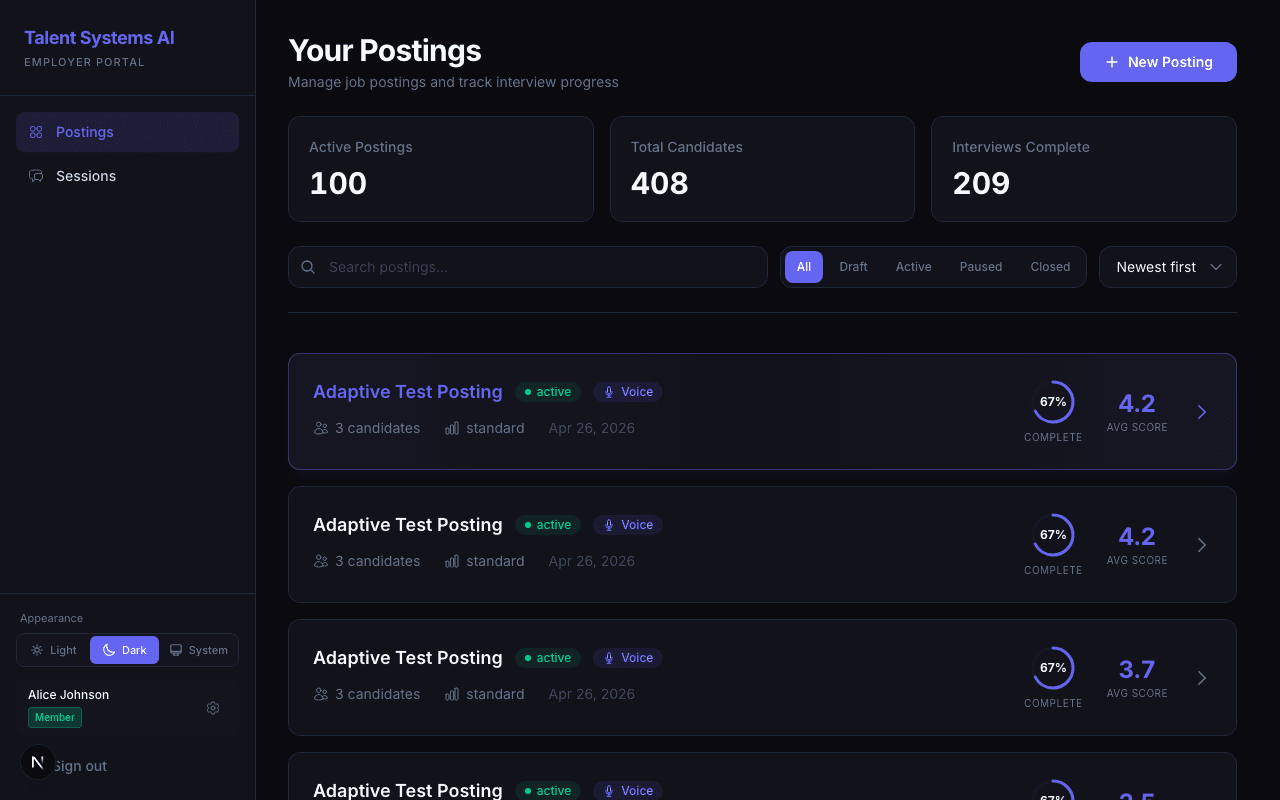
Check your email for a message from Talent Systems with a Join Your Team button
Click the link — it takes you to a setup page with your name already filled in
Set a password (minimum 6 characters)
Click Create Account — you'll be signed in automatically and land on your dashboard
Invitation links expire after 7 days. If yours has expired, ask the person who invited you to resend it from the team management page.
Things to Know
- Your name is set by whoever invited you, but you can update it anytime in Settings > Profile.
- Your email address is your account identity and cannot be changed.
- Your role determines what you can see and do. Your account owner can adjust this at any time.
Forgot Your Password?
On the sign-in page, click Forgot password, enter your account email, and submit. If an account exists for that address, you'll get an email with a reset link.
Open the email and click the reset link — it takes you to the password-reset page
Enter a new password (minimum 6 characters) and confirm
You're signed in and returned to your dashboard
Reset links are single-use and time-limited. If you open an old or already-used link, the page shows "Reset link expired — request a new one." Just go back to Forgot password and request a fresh one.
Roles
| Role | What You Get by Default |
|---|---|
| Owner | Full access to everything. Can transfer ownership. One per organization. |
| Admin | Full access by default. Specific permissions may be adjusted by the owner. |
| Member | Read access by default — can view postings and candidates. |
| Associate | Minimal access by default — typically read-only across the board. |
Owners can customize exactly what each role can see and do from Settings > Permissions. If you're missing access to something you expect, ask your account owner to check your role's permission settings.