Settings
Profile Settings
Update your name and view your account details.
Go to Settings from the sidebar to manage your profile.
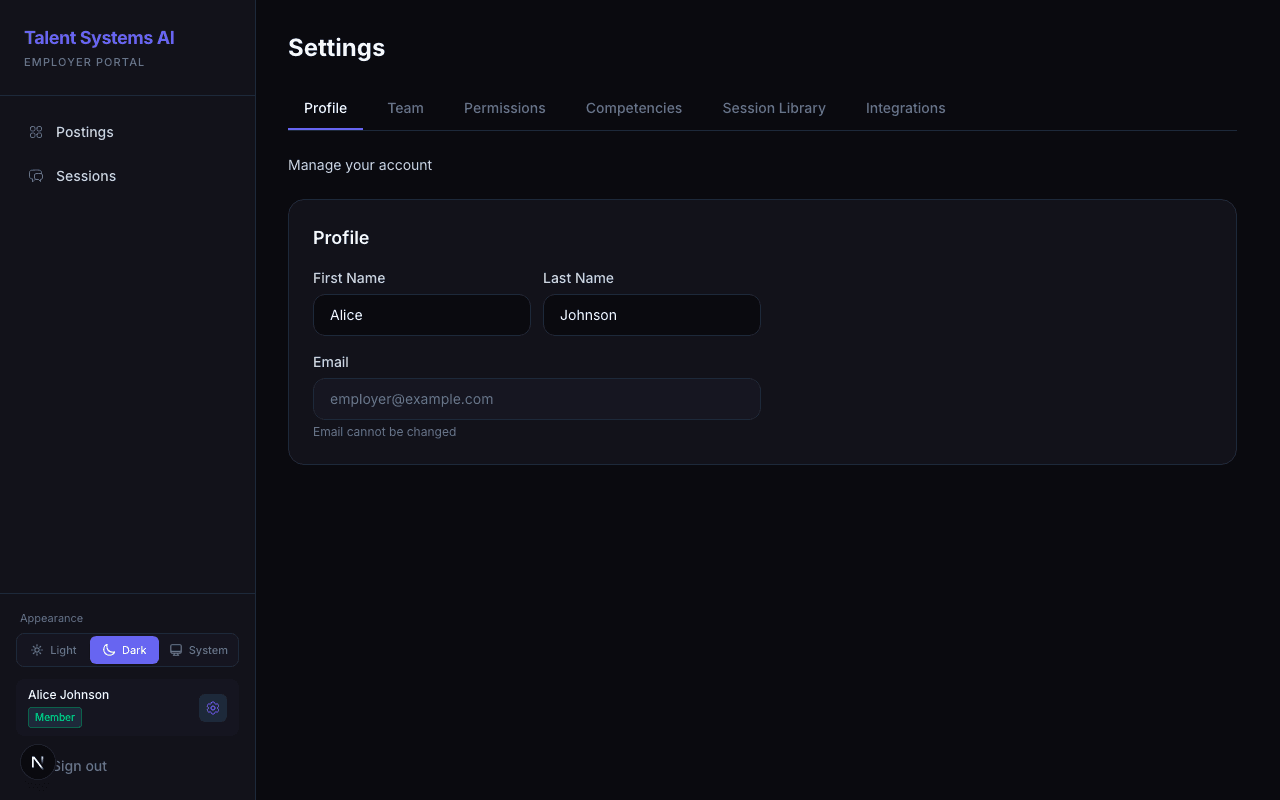
What You Can Change
- First name and Last name — edit and save. Your name updates in the sidebar immediately after saving.
What You Cannot Change
Some fields are locked for account integrity reasons. To change them, you'll need help from your administrator.
| Field | Why It's Locked |
|---|---|
| Email address | Tied to your account identity — contact your administrator to change it |
| Role | Only the account Owner can change roles via the Team page |
Saving Changes
Click Save Changes in the fixed bar at the bottom of the page. A success toast confirms the update.
Setup Wizard
Below your profile section, a Launch Wizard button re-opens the onboarding wizard that walks through creating your first posting, inviting your team, and configuring notifications. Useful if you dismissed it earlier or want to revisit any setup step.
Company Branding
Looking to set your company logo? That lives in Settings > Organization — see Organization & Branding. Only the account Owner can change it.