Competency Profiles
Use pre-built bundles of competencies to quickly configure postings for common role types.
A competency profile is a pre-built bundle of competencies designed for a common role type or job family. Instead of selecting competencies one by one, apply a profile to populate your posting with a curated set.
Using a Profile
On the posting creation or edit form, open the competency section
Click the profile selector dropdown
Choose a profile — the profile's competencies are added to the posting
Adjust weights, add more competencies, or remove ones that don't apply
Profiles are a starting point, not a constraint. Removing a competency from a posting does not affect the profile. Profiles and postings are independent after the profile is applied.
Platform vs. Custom Profiles
| Type | Source | Visibility |
|---|---|---|
| Platform profiles | Provided by Talent Systems (e.g., "General Behavioral", "General Technical") | Available to all organizations |
| Custom profiles | Created by your team | Only visible to your organization |
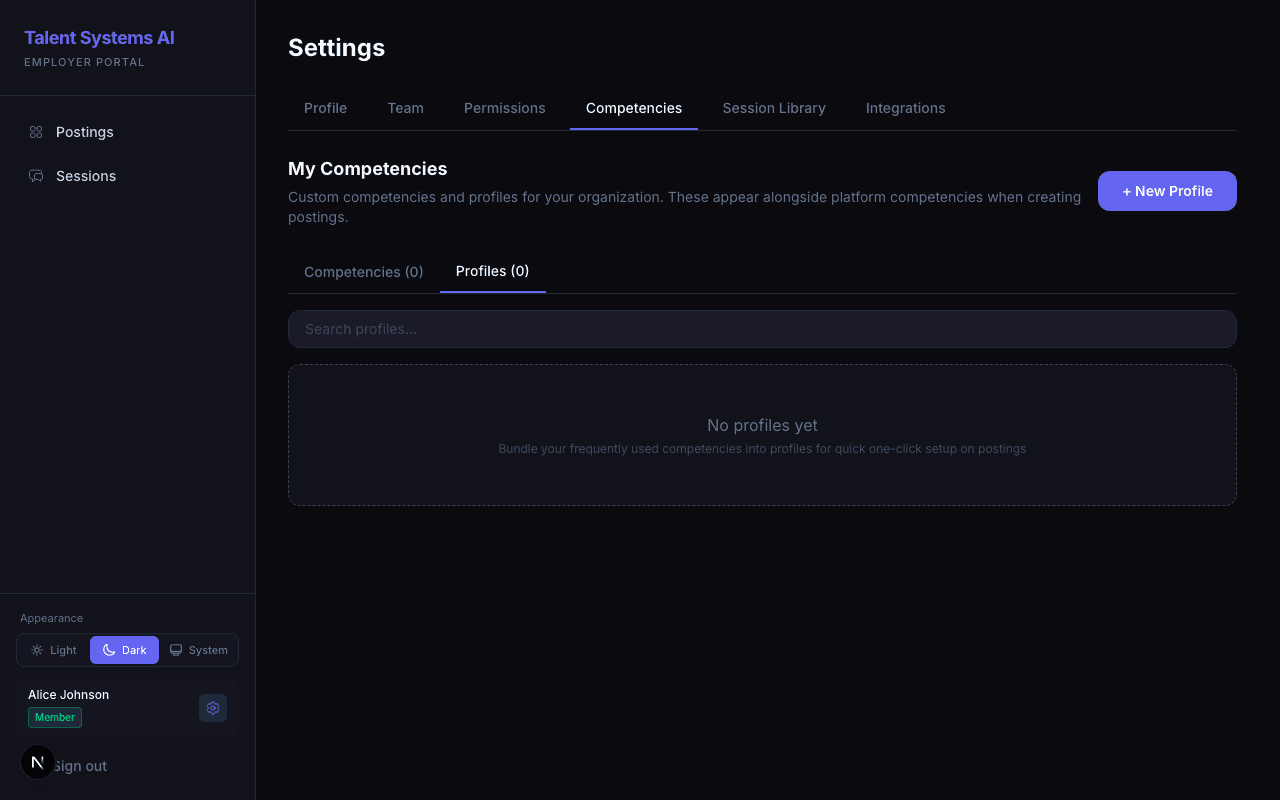
Creating a Custom Profile
Go to Settings > Competencies > Profiles
Click Create Profile
Name your profile (e.g., "Senior Engineering" or "Customer Success")
Search and select competencies from the library
Save — the profile is now available in the competency picker on all your postings