Custom Competencies
Create competencies specific to your organization with full behavioral anchors.
Custom competencies let you evaluate candidates on skills and behaviors unique to your organization that aren't covered by the platform library.
Creating a Custom Competency
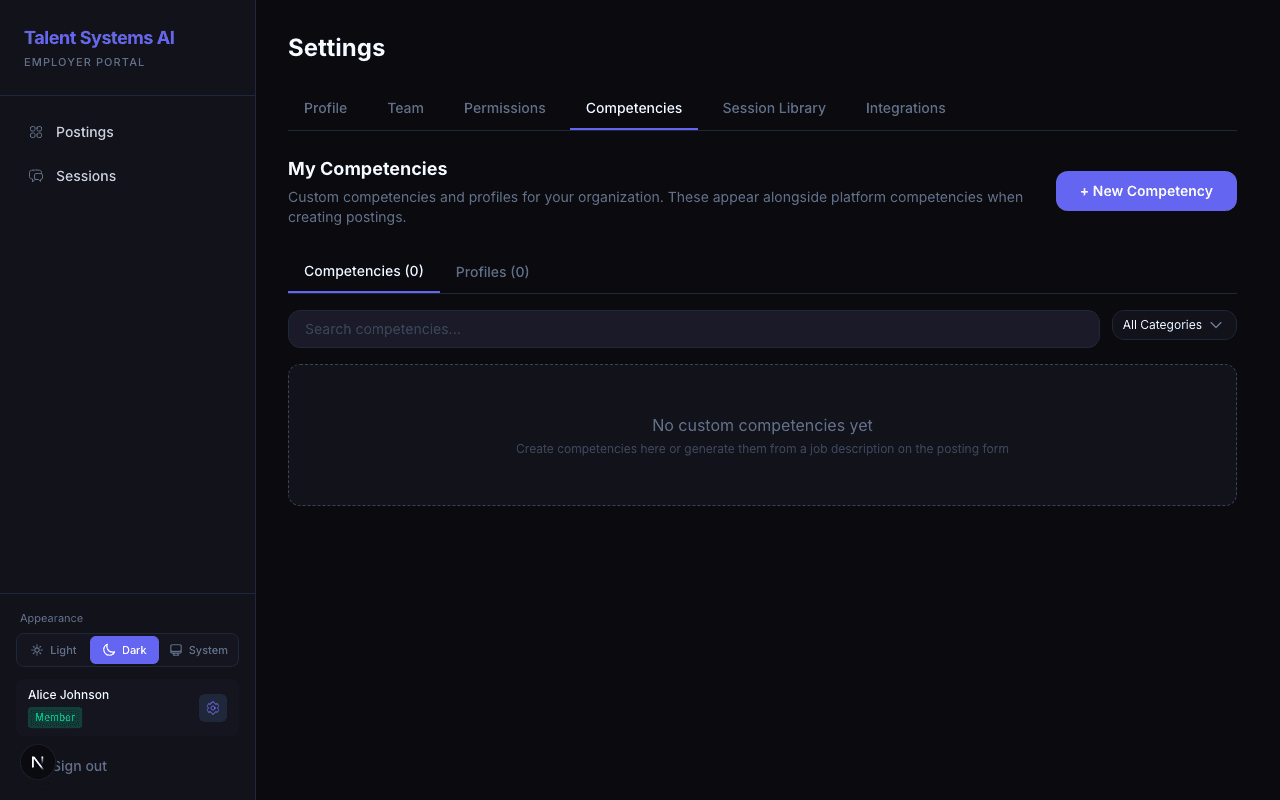
Go to Settings > Competencies and click Create Competency
Enter the competency name (e.g., "Cross-Functional Collaboration")
Select a category — behavioral, technical, situational, or any custom category your administrator has defined
Write a description explaining what this competency measures
Define behavioral anchors at all five levels
Writing Effective Anchors
Good anchors are specific, observable, and clearly differentiated at each level:
| Level | What It Should Describe |
|---|---|
| 1 | Complete absence of evidence or a fundamentally flawed response |
| 2 | Minimal or unclear evidence, lacks specifics |
| 3 | Meets expectations — solid and specific, but not exceptional |
| 4 | Exceeds expectations — strong evidence with clear impact |
| 5 | Exceptional — specific metrics, novel approach, outstanding outcomes |
Avoid vague language like "good" or "excellent" without behavioral descriptions. The more specific your anchors, the more accurate and consistent the AI's scoring will be. Each adjacent level should be clearly distinguishable.
Example anchors for "Cross-Functional Collaboration":
- Level 1 — Cannot describe any instance of working with other teams
- Level 3 — Describes working with another team on a project, with general outcomes
- Level 5 — Provides detailed examples of initiating cross-team collaboration, navigating conflicting priorities, and achieving measurable shared outcomes
Editing and Archiving
- Edit any custom competency by clicking it in the competency list
- Archive a competency to hide it from the selection dropdown without deleting historical data. Archived competencies still appear on postings that already use them.
You cannot edit or archive platform competencies. If a platform competency doesn't fit your needs, create a custom one instead.
The Write your own competency modal warns you before discarding unsaved work if you click outside it — so an accidental click-out won't lose the anchors you've been writing.
Drafts Created Inside a Posting
You can also write or AI-generate a competency directly inside a posting (hiring plan). These are private drafts scoped to that posting — they interview and score normally but do not appear in your library until you promote them. Click Add to library on the competency in the posting to make it a reusable custom competency.
Reusing Custom Competencies
Custom competencies are available across all your postings. Add them to a competency profile to bundle them with other competencies for quick posting setup.