Competency Library
Browse, search, and manage the competencies available for your job postings.
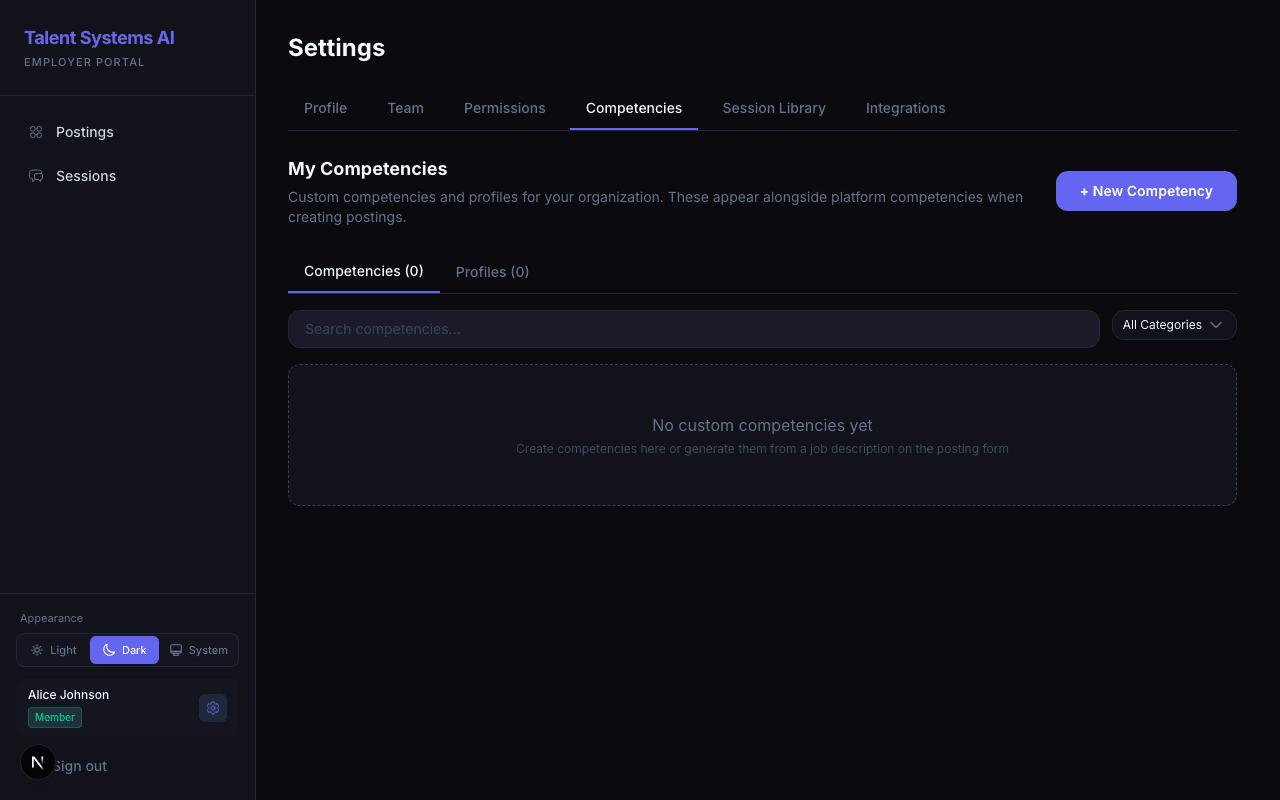
The competency library contains all the skills and behaviors you can evaluate candidates against. Access it from Settings > Competencies.
Two Sources
Provided by Talent Systems and designed by I-O psychologists. These include validated behavioral anchors at each level and cover common behavioral, technical, and situational competencies.
- Shown in your library as view-only — you can read their anchors but cannot edit or delete them
- Available to all organizations on the platform
- Include the "General Behavioral" and "General Technical" profiles
Created by your organization. They work identically to platform competencies but are only visible to your team.
- Can be created manually, generated with AI, or modified from AI suggestions
- Reusable across all your postings
- Can be organized into custom competency profiles
Browsing and Searching
The competencies page has two tabs:
| Tab | What It Shows |
|---|---|
| Competencies | Individual skills with name, category, and status |
| Profiles | Pre-built bundles of competencies for common role types |
Use the search bar to find competencies by name and the category filter to narrow by type (behavioral, technical, situational, or any custom categories your administrator has defined).
What's in a Competency
| Field | Description |
|---|---|
| Name | The competency label (e.g., "Problem Solving") |
| Category | The type — behavioral, technical, situational, or custom |
| Description | What this competency measures |
| Behavioral Anchors | Five levels (1-5) describing what performance looks like at each score |
The behavioral anchors are what the AI scorer evaluates against. Clear, specific anchors at each level produce more accurate and consistent scores.
Drafts vs. Your Library
A competency you write or generate inside a posting is a private draft for that posting — it is used to interview and score, but it does not automatically join your reusable library. Only competencies you explicitly save appear in Settings > Competencies.
To promote a draft so you can reuse it across postings, click Add to library on it in the posting's competency list. Once added, it behaves like any other custom competency.
This keeps the library clean: one-off competencies for a single role stay with that role, and the library only fills with the ones you intend to reuse.
Using Competencies in Postings
When creating or editing a posting, select competencies from a searchable dropdown that includes both platform competencies and your custom ones. You can also apply a competency profile to quickly add a curated set.
Once a competency is selected on the posting, click View anchors on it to see the 1–5 behavioral anchor descriptions without leaving the posting form — handy for confirming a competency measures what you intend before you set its weight.